
How to play
Churris World is played by tapping and dragging, with no rules and no rush, and kids don't need to know how to read. Here's what you'll find, whether you're keeping them company or playing along.
The map and the places
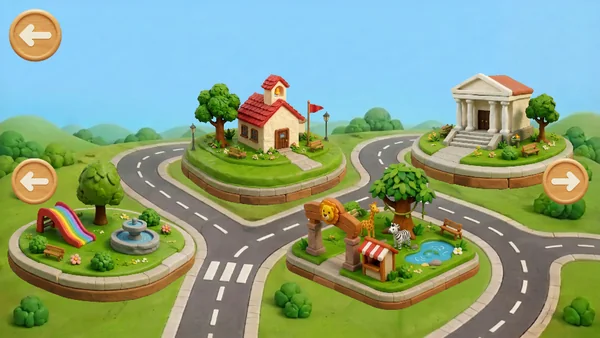
The game starts on the town map, with eight places: the Park, the School, the Museum, the Zoo, Churris Hotel, Churris Restaurant, the Beach and the Police Station. Tap an island to go in; drag the map sideways to see the other end of town.
Every place is big: swipe to see more of it and use two fingers to zoom in. And there's more: solving the mysteries reveals another map, with eight more places. What's there is best discovered by playing.
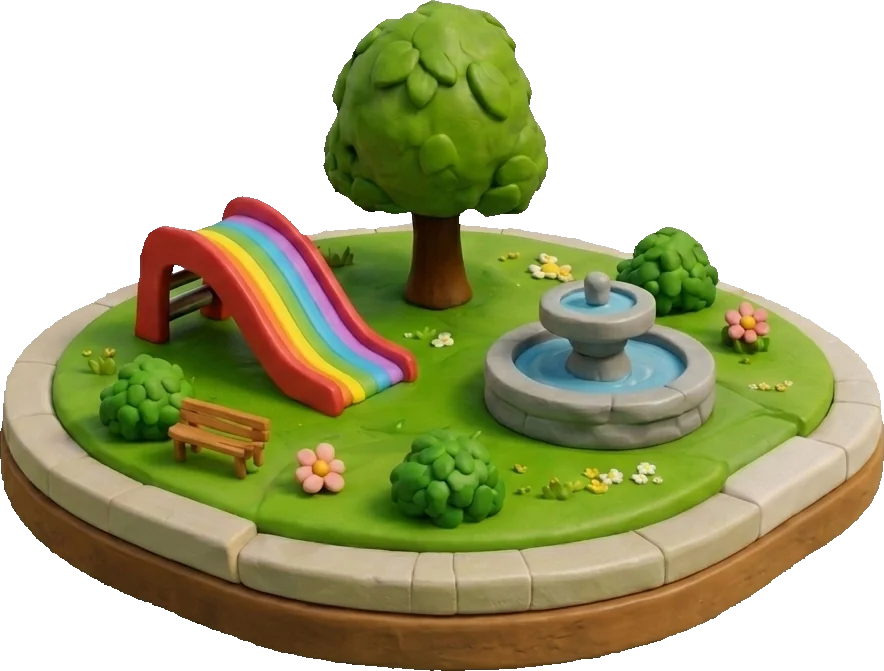 The Park
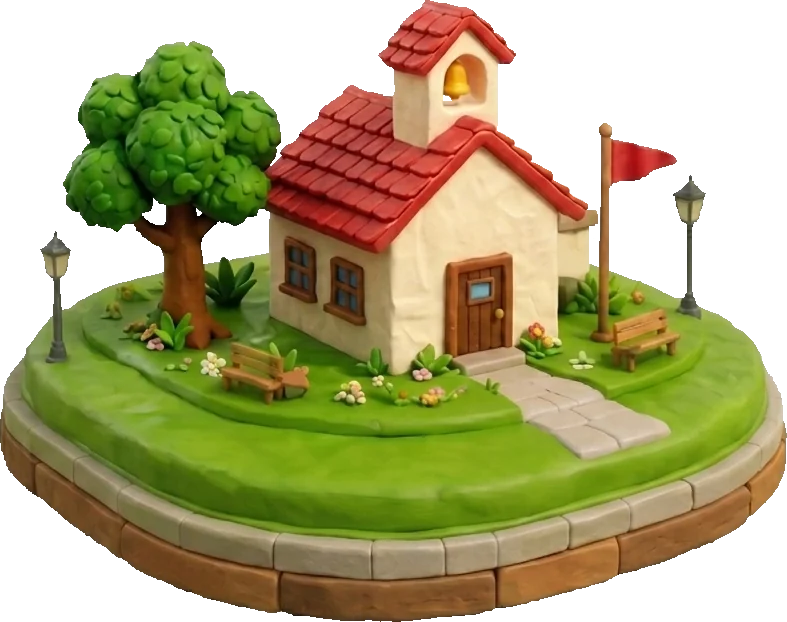 The School
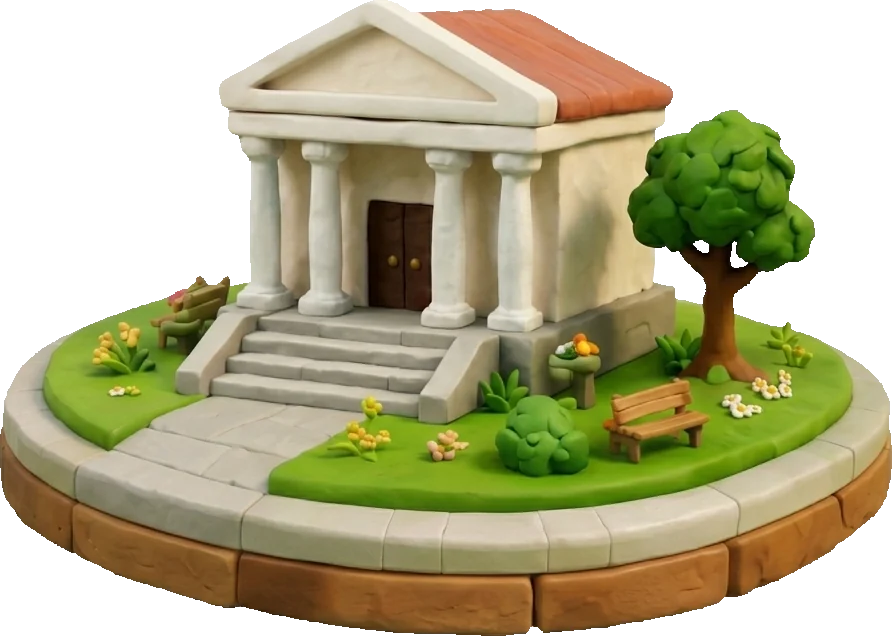 The Museum
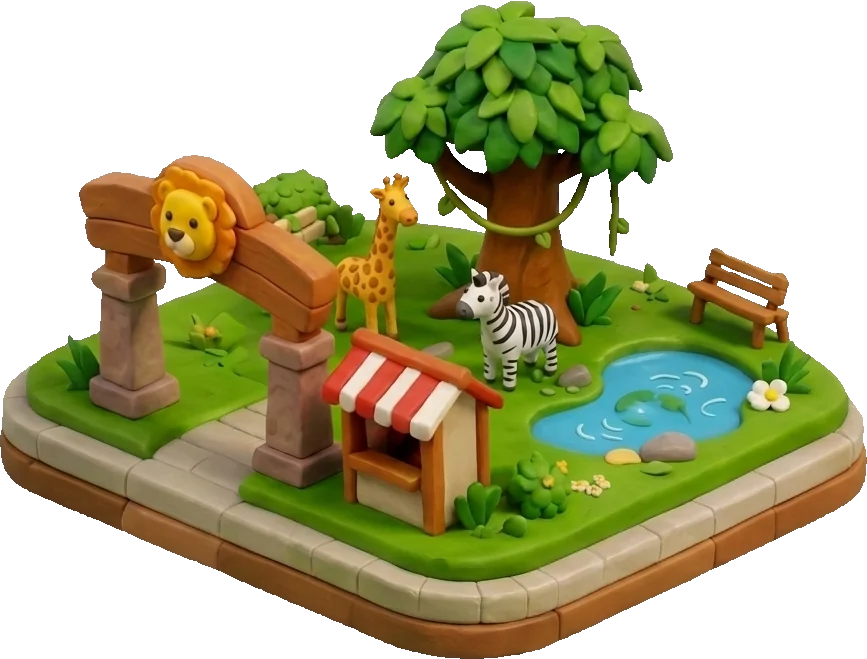 The Zoo
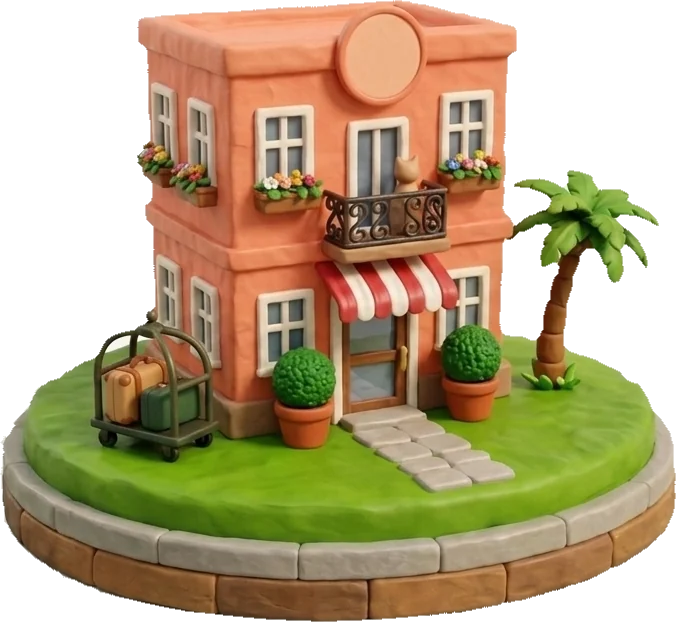 Churris Hotel
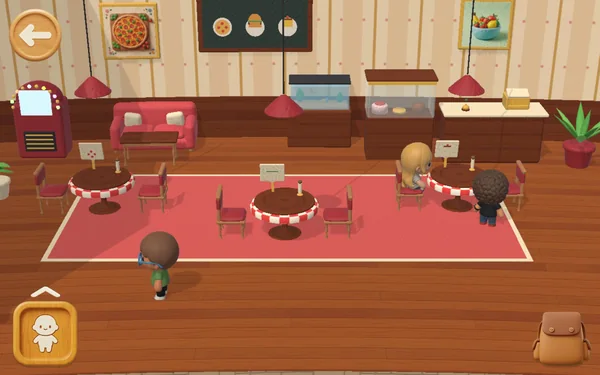
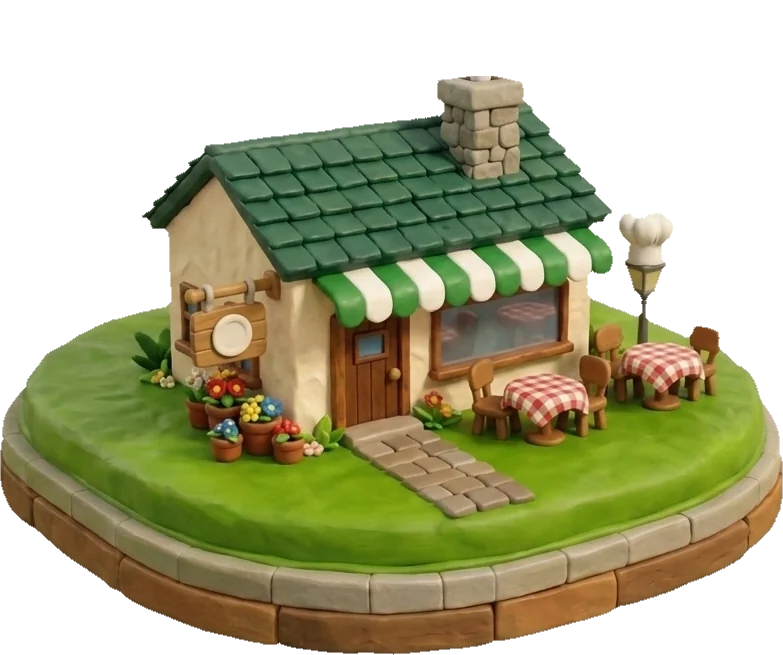 Churris Restaurant
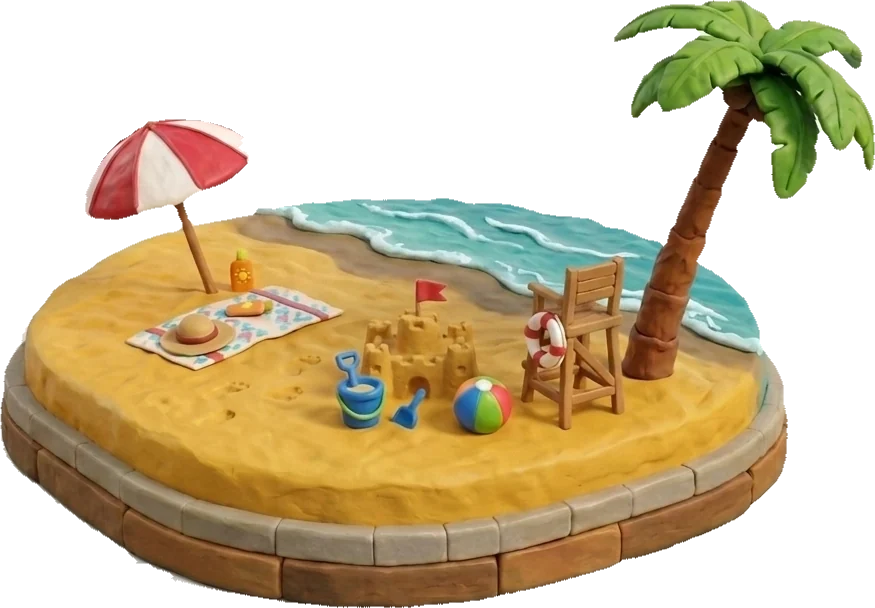 The Beach
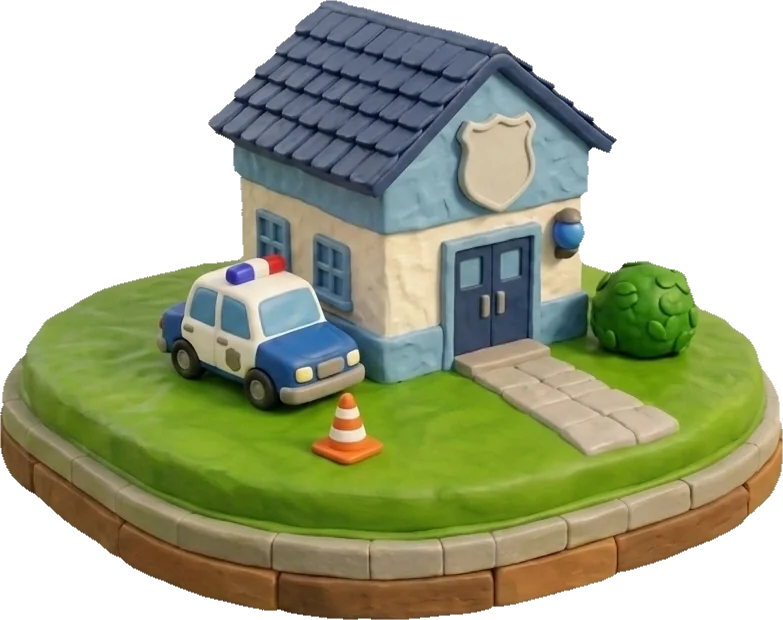 The Police Station
The churris and autoplay
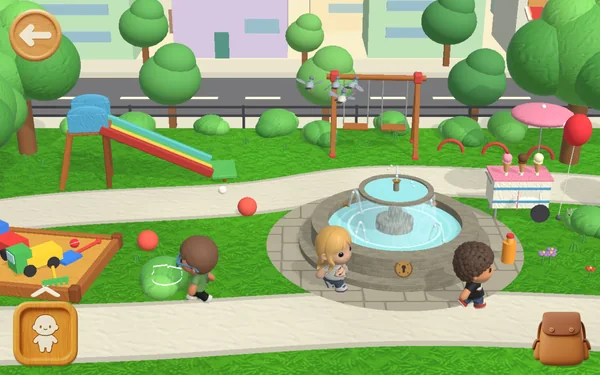
The characters button  , at the bottom left, opens the drawer with the eight churris: Brendi, Simon, Santi, Grecia, Mateo, Roma, Doni and Ali. Drag one into the place and drop them wherever you like: on a swing they swing, on a chair they sit, in the pool they swim. Every place is full of spots to put them.
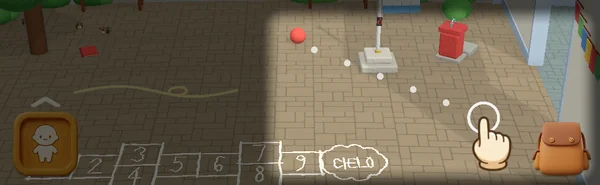
Tap a churri and their autoplay button appears. When it's on, that churri plays on their own: they walk around, choose what to do and go from one thing to the next. Autoplay starts off, and you turn it on or off for each churri.
The pets
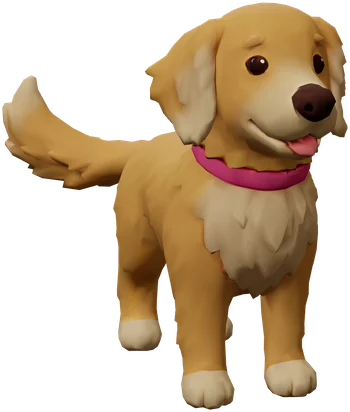
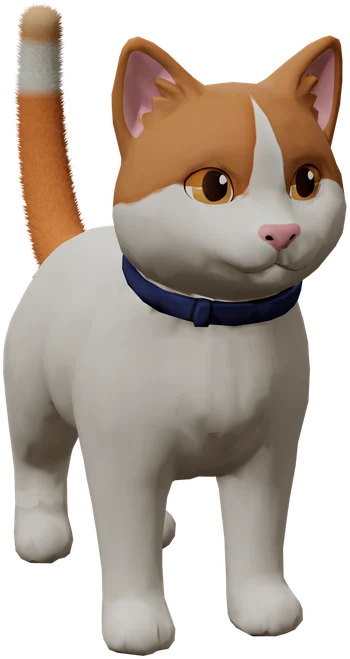
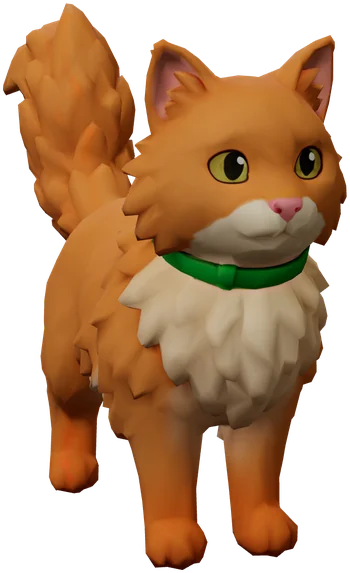
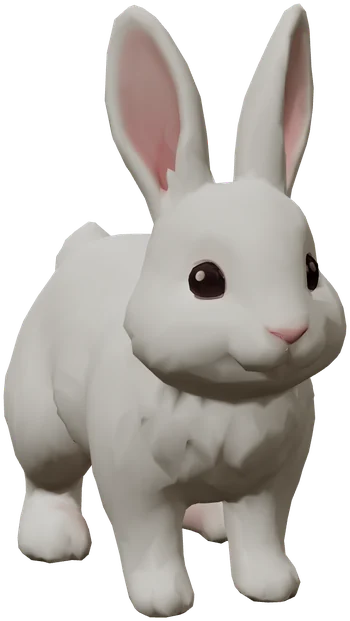
In the same drawer, on the animals tab, you'll find Almendra, Pelusa, Pippin and Coco: the dog, the two cats and the bunny from our own home. You place them just like the churris, and they have autoplay too.
They follow the kids, fetch the ball, shake paws, dig, drink water and curl up for a nap. The cats climb trees, and Pippin, who's a scaredy cat, runs off when he gets a fright. They bark and meow with their real voices, and at the Zoo they make friends with the other animals.
Touch everything
In Churris World almost everything responds to a finger: paintings swing open, drawers hide things, lights switch on, the ball bounces and the animals answer back. Finding out what happens when you tap something is half the game.
On a computer, the cursor shows when something can be clicked.
Items and the backpack
There are things everywhere: balls, toys, food, books. You pick them up with a finger, leave them wherever you like and stack them on top of each other, and if you drop one on a churri, the churri holds it.
The backpack  , at the bottom right, keeps whatever you drag into it. There's just one for the whole game: what you put away in one place comes out in another.
The collection folder
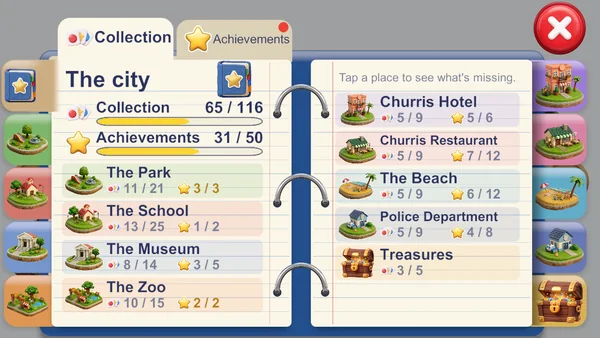
On the map you'll find the folder  : an album with a page for each place, where stickers of everything you find get stuck in. Whatever's missing shows up as question marks, so you know how much is left to find.
It also has an achievements section and a summary of what's been found in each place. A little red dot points out what's new.
Mysteries and the light bulb
Every place hides puzzles, and nobody tells you where they are: you have to look, touch and think. Some link one place to another, and solving them brings prizes and surprises.
If someone gets stuck, the light bulb  , at the top right, gives hints one at a time: first a general idea and then, if needed, clearer and clearer ones, until it says what to do and where. That way every kid gets to the answer on their own. Hints are free and never run out, and the light bulb can be hidden in Options, under Help.
The mini-games
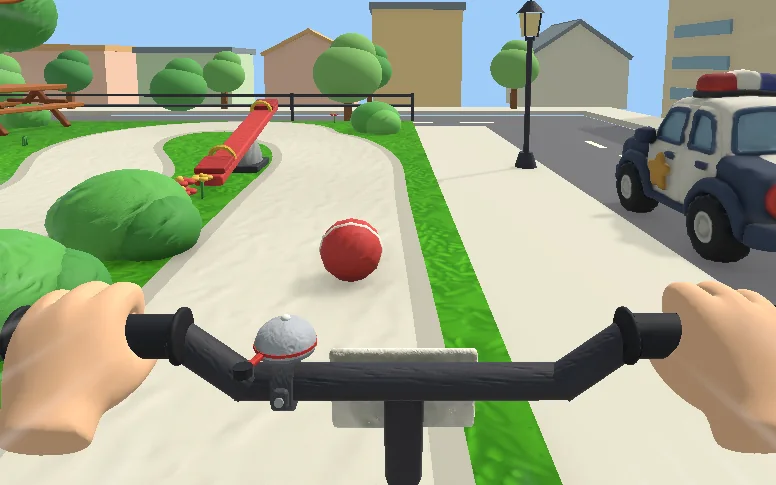
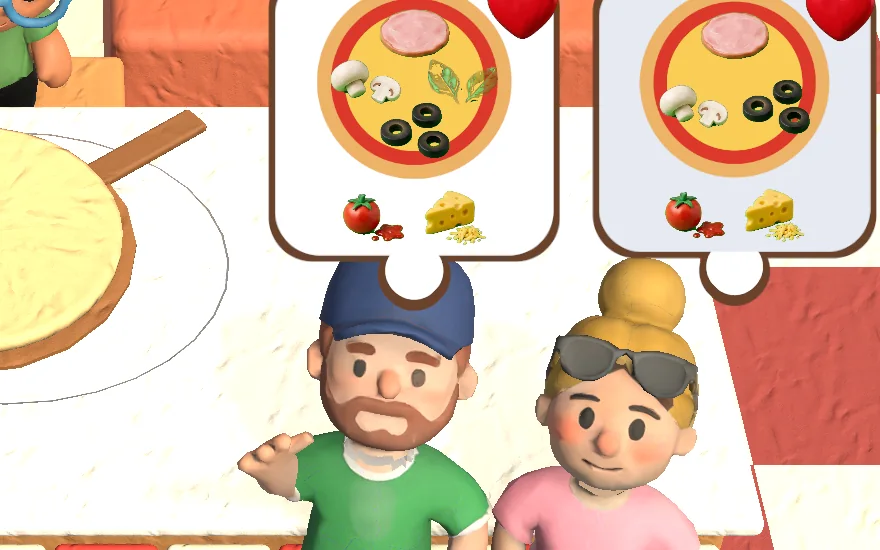
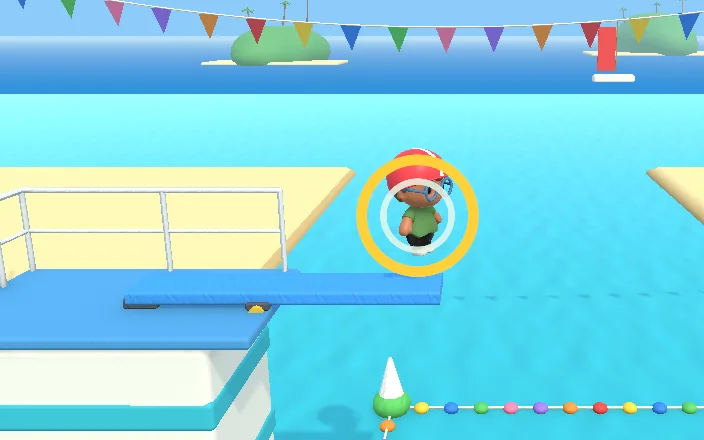
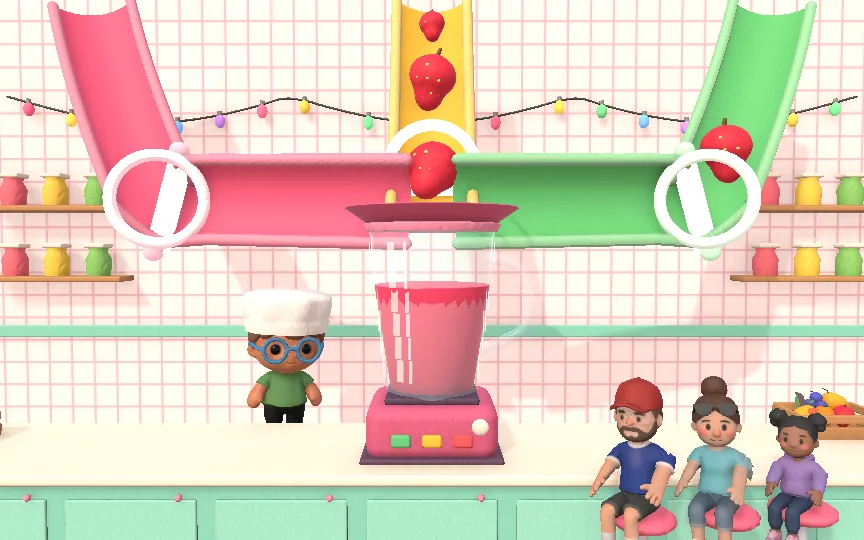
There are 16 mini-games in the city, with more on the way: the bike race at the Park; one-on-one basketball at the School; six in the water at the Beach (surfing, dolphin jumps, magic fishing, diving, high diving and water pistols); six cooking games at the Restaurant (pizzas, pancakes, burgers, salads, smoothies to the beat of the music and the balancing waiter); and at the Police Station, the motorbike garage and Whodunit?, a detective case.
And there are others hidden on a secret map, which you discover by solving the mysteries. Which ones? Better to find out by playing.
You can pause or leave them at any time, and when you exit you're back in the place.
Three save slots
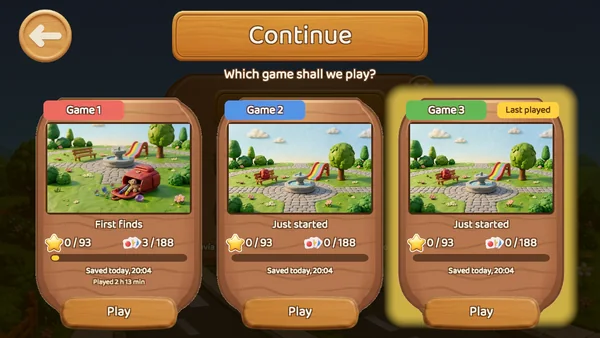
In the menu, New game and Continue open the three save slots. Each one shows a picture of how far it has got, when it was last played and how long it's been played in total: that way each sibling gets their own.
The game saves by itself, all the time, and asks before deleting a save.
The gesture guide
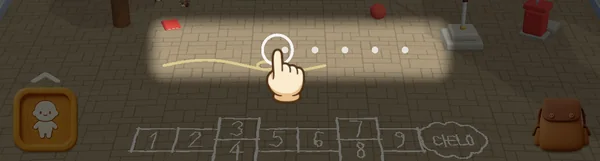
The first time, a little hand teaches you to play while you play: how to bring in a churri, turn on their autoplay, swipe the place to see more, put something in the backpack, and zoom or move the view with two fingers. Each lesson shows up only once, and you learn it by doing the gesture.
You can turn it off (or watch it again) in Options, under Help, with the tutorials checkbox.
Languages
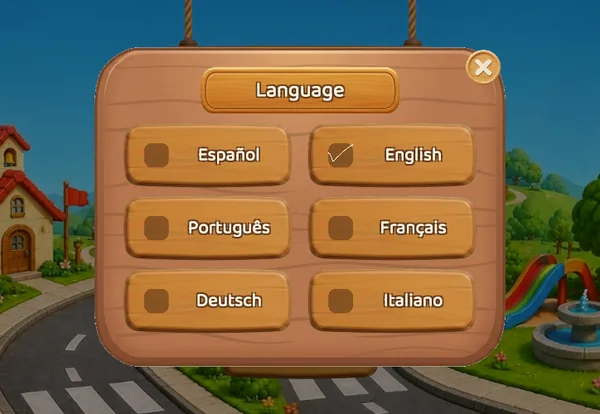
The game speaks six languages: English, Spanish, Portuguese, French, German and Italian. Choose one in Options, under Language, and everything switches on the spot.
Purchases and the grown-up question
Churris World is free to download. The Park, the School and the Museum are free to play in full, and so are three of the hidden places. The rest have a barrier with a padlock: tapping it opens a sign to unlock that place, or all of them together.
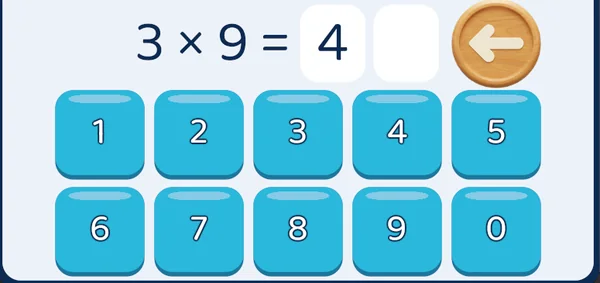
They're one-time purchases: no subscriptions, no coins, and they stay on your Google account for good. “Every place” also includes the places added later on. Before charging anything, the game asks a question for grown-ups, a multiplication with big numbers, and Google Play can also ask for the password. In Options, under Shop, you'll find “Restore purchases”.
No internet, no ads
No ads, no chat, no accounts. Once it's installed it plays offline, so it's perfect for the car, the plane or the waiting room.
It collects no data about whoever plays: the save stays on the device only. The details are in the privacy policy.
Still have a question?
Check the FAQ or write to us at hola@mingoia.games. We reply ourselves.